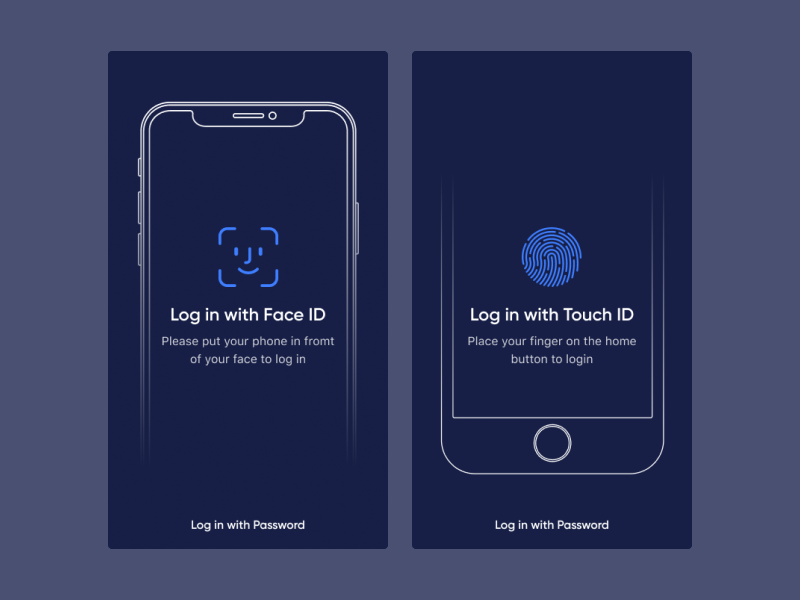
Let’s see how we can add TouchID and FaceID into an app.
First, we need to import the LocalAuthentication to the app. Then we have create an LAContext object , which will provide a UI for evaluating the authentication policies and access controls, managing credentials, and invalidating authentication contexts.
We have to check whether a particular policy can be evaluated, here its device authentication with bio-metrics. When that block is complete we can run the evaluatePolicy to get user authentication/consent. Once user authenticate go ahead and modify the UI or do your action.
After a successful authentication if you gonna update the UI part, remember always use DispatchQueue.main.async to run those tasks. The UI Changes must run in main thread.
Code:
func biometrickCheck(_ action: UIAlertAction) {
        let context = LAContext()
        var error: NSError?

        if context.canEvaluatePolicy(.deviceOwnerAuthenticationWithBiometrics, error: &error) {
            let reason = "Identify yourself!"

            context.evaluatePolicy(.deviceOwnerAuthenticationWithBiometrics, localizedReason: reason) { [weak self] (success, authError) in
                DispatchQueue.main.async {
                    if success {
                        self?.unlockSecretData()
                    } else {
                        let ac = UIAlertController(title: "Authentication failed", message: "You could not be verified; please try again.", preferredStyle: .alert)
                        ac.addAction(UIAlertAction(title: "OK", style: .default))
                        self?.present(ac, animated: true)
                    }
                }
            }
        } else {
            let ac = UIAlertController(title: "Biometry unavailable", message: "Your device is not configured for biometric authentication.", preferredStyle: .alert)
            ac.addAction(UIAlertAction(title: "OK", style: .default))
            self.present(ac, animated: true)
        }
    }
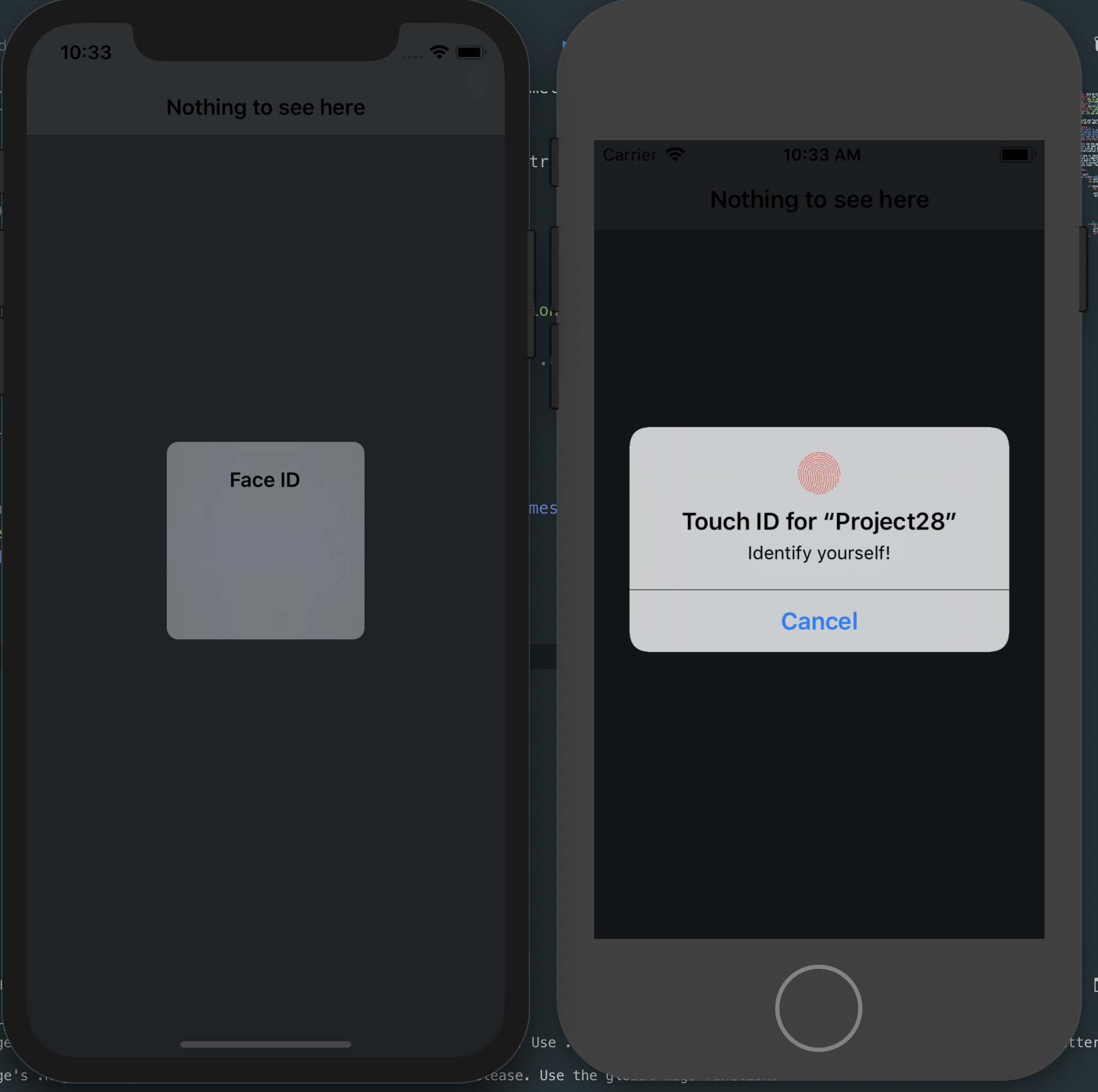
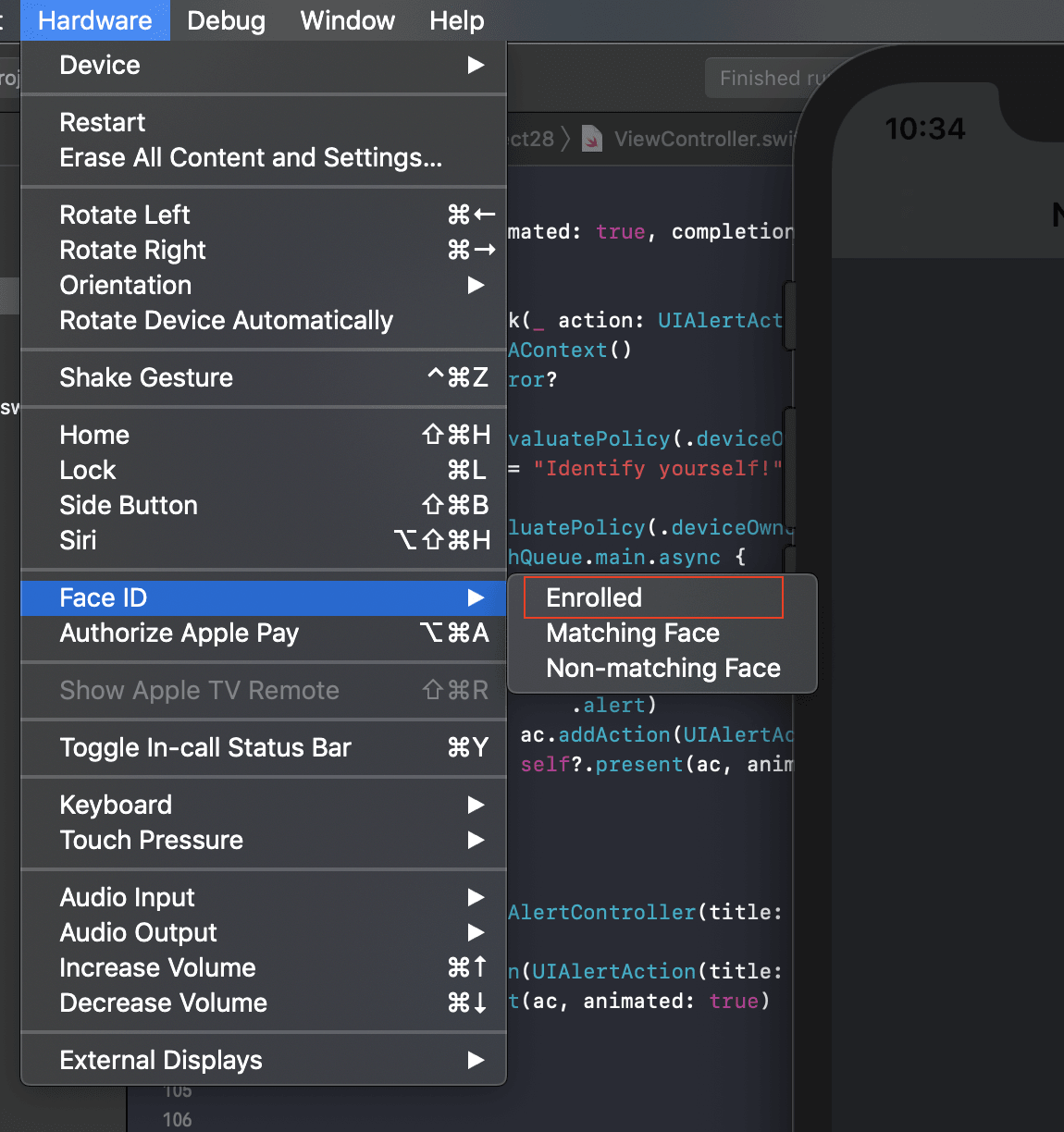
Try testing in a real device. If you don’t have a real device, use the Simulator’s Hardware->Touch ID options.
I hope this article helped you